Project Bikelife Guides
Skill first, shop second, flex last.
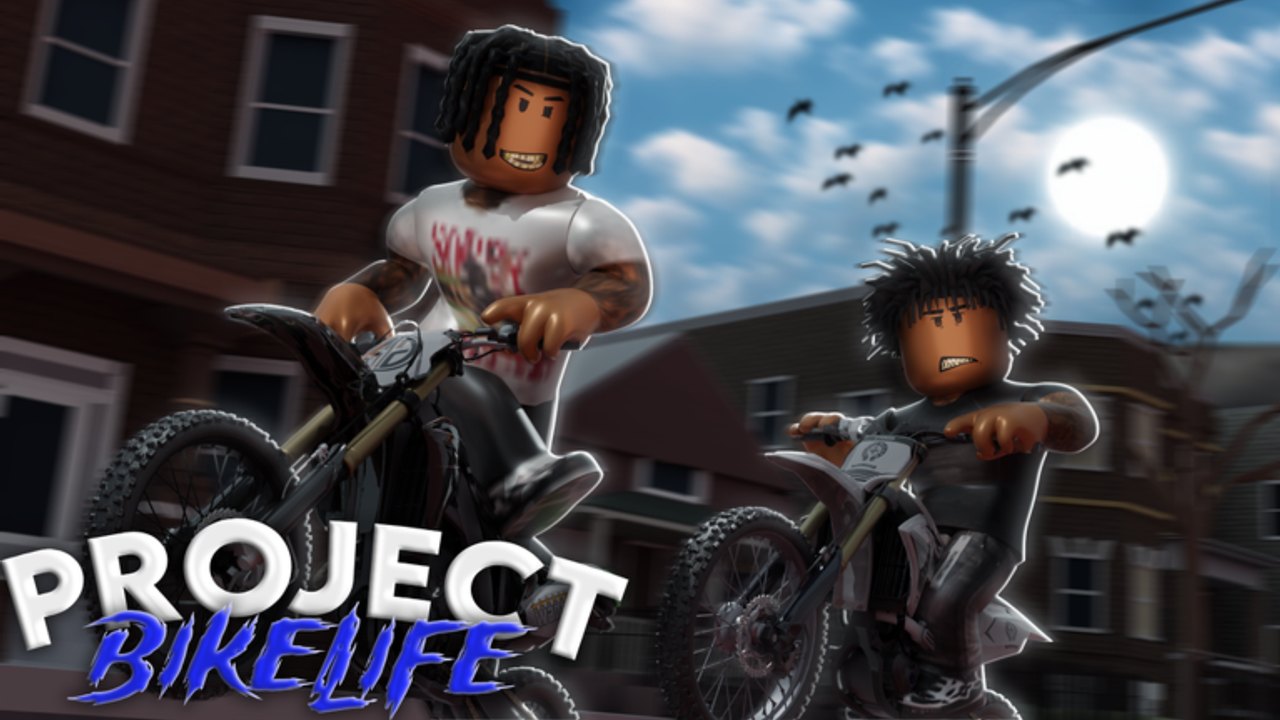
Project Bikelife is a Roblox dirt-bike sim that tells you the learning curve up front: throttle, brake, speed, and balance. This hub is the reading order that respects that sentence. If you only open one extra page after this, make it getting started. If you only practice one drill, make it how to wheelie. Everything else — jobs, the dealership, trading — works better when the bike is already under you.
The experience is a full release (28 June 2026) that still warns it is in early development. Guides here describe systems the official page actually lists: realistic physics, wheelies, combos, swerves, a dealership, cash from riding or jobs, bike trading, character creation with clothing imports, limited bikes, and a growing map. We do not invent a phone UI from another bikelife title.
Start here (first session)
- Getting started — official place, group, first 30 minutes, what not to buy.
- Controls — how to verify binds on PC, console, and mobile without copying a cousin game.
- How to wheelie — lift, hold, recover. Pair with the practice planner.
- First-session checklist — tick boxes so you do not skip fuel-for-skill.
Then make the loop pay
- How to earn money — riding payout versus jobs, what not to farm with scripts.
- Jobs — how to treat work markers as a skill route, not a skip button.
- Dealership — lot test, upgrade timing, ATV versus dirt.
- Spend planner — keep a cash buffer.
Then look expensive on purpose
- How to combo — wheelie plus swerve without panic inputs.
- How to swerve — heading changes you can recover.
- Map guide — unfinished city, loaded rectangles.
- Review — who this listing is for in September 2026.
- Trading — screenshots, scams, limiteds.
- Tier list — roles, not frozen model names.
- Bikes hub — catalog context for imports and limiteds.
How these guides are written
We use the live Roblox listing, the Project Bikelife group, and one verified gameplay video on the beginner page. We do not copy keybinds from BikeLife Society or Project Wheelie and pretend they are this HUD. When the on-screen panel disagrees with a wiki table, the panel wins. That rule will save you more time than any invented “secret input.”
Codes are part of onboarding in most Roblox wikis. Here they are a stub: see the codes hub. Scripts are a warning: see scripts. Neither replaces practice.
Suggested week-one path
Day 1. Spawn, controls, five-count wheelies on a learner bike.
Day 2. Add swerves and one job loop.
Day 3. Buy the first shop upgrade that still holds.
Day 4. Ignore limited FOMO.
Day 5. Film a clean hold, then a short combo.
Weekend. Trade only if you can explain the item.
If that schedule feels slow, remember the game’s own notice: you will not master it instantly. The updates hub is where we park patch-shaped surprises so these guides do not pretend the map is finished.
Open getting started next. Come back to this hub when you need the next door, not when you need a miracle bind.
Frequently Asked Questions
Quick answers for new riders and returning players.
Which guide should I read first?
Getting started, then controls, then how to wheelie. Shop and trade pages wait until you can recover a hold.
Do these guides work on mobile?
The physics are the same. Buttons move. Always confirm the live HUD on your device using the controls page.
Why don’t you list exact trick keys?
Early development moves labels. We tell you how to read the overlay instead of inventing another game’s binds.
Where are codes and scripts?
Codes are in the codes hub (none live). Scripts are a safety warning, not a progression route.